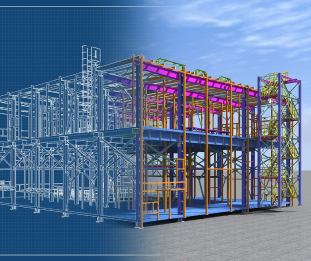
Introducing Matterport BIM File and Workflow Automation with Revit® Plugin
The Matterport BIM file provides accurate 3D as-built plans for your space. Architects, designers, and construction engineers can now deliver the existing conditions of any building with BIM faster, easier, and more cost-effectively than ever before. In addition to the Matterport BIM file, we also offer the Matterport Revit plugin, a workflow automation plugin that integrates directly with Autodesk® Revit.
How does it work?
The Matterport BIM file is an add-on available in your Matterport account that allows you to convert the spaces you capture into BIM (.RVT) and CAD (.DWG) files. The Matterport Revit plugin is available in the Autodesk App Store for instant use in Autodesk Revit, allowing you to import BIM files directly from your Matterport account.
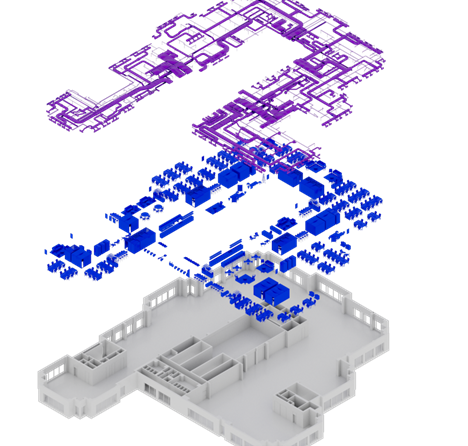
Deliver BIM in days, not weeks
BIM files can be created for a fraction of the cost of traditional surveying and documentation thanks to the Matterport BIM file add-on. Your team can focus on taking on more work instead of getting bogged down documenting field survey notes.
Import BIM files or Point clouds (MatterPak XYZ or E57 files) directly
Import BIM files directly into Revit using the Matterport Revit plugin. Whether you're creating a new BIM strategy or incorporating us into your existing workflow, we make everything you do that much easier.
The Matterport BIM file supports spaces up to 4,645 m² (50,000 sq. ft.).